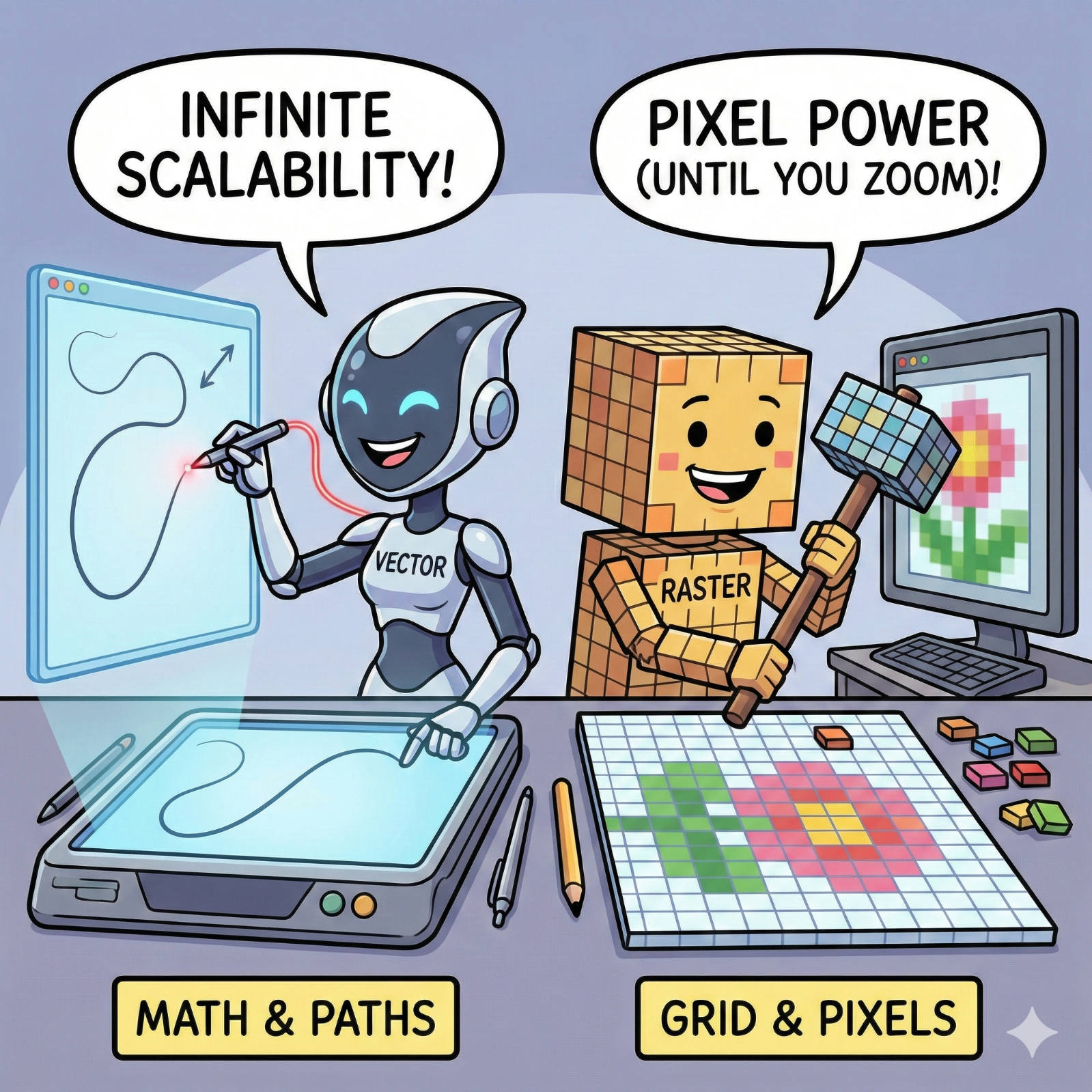
We have all seen it: a large banner or sign where the company logo looks like it was built out of blurry LEGO blocks instead of crisp lines. It’s a common frustration, but it’s rarely a printer error. It is almost always a file error.
At Trojan Press, the quality of your final print depends entirely on the ingredients you give us. The most crucial ingredient is the file type.
In the digital design world, there are two fundamental types of images: Raster and Vector. Knowing the difference is the key to ensuring your logos are sharp and your photos are clear, no matter how big we print them.
Raster Graphics: The Grid of Colored Squares
Raster images (also called bitmaps) are the most common type of image you encounter. Every photograph you take with your phone is a raster image.
They are built from a fixed grid of tiny colored squares called pixels. Think of it like a mosaic tile floor. When you look from a distance, the individual tiles blend to create a smooth image. But if you get right up close, you can see the individual squares.
- Best For: Photographs and complex imagery with subtle color blends and shading.
- The Problem: They are "resolution-dependent." Because there is a fixed number of pixels, you cannot enlarge them without losing quality. If you stretch a small raster photo to fit a large poster, the software just makes the existing pixels bigger, resulting in a blurry, blocky ("pixelated") mess.
- Common File Types: JPG, PNG, GIF, TIFF.
Vector Graphics: The Mathematical Map
Vector graphics are completely different. They don't use pixels at all. Instead, they use mathematics.
A vector file is essentially a set of instructions for the computer: "Draw a curved line from Point A to Point B, fill that shape with red, and add a black outline." Because it’s based on math, not a fixed grid, it is "resolution-independent."
- Best For: Logos, icons, typography, and illustrations with clean lines and solid colors.
- The Superpower: Infinite scalability. You can take a vector logo designed on a business card and blow it up to the size of a billboard, and the edges will remain perfectly smooth and razor-sharp.
- Common File Types: AI (Adobe Illustrator), EPS, SVG.
The "PDF" Trap
Many clients send us PDFs, believing it is the safe choice. But be careful: A PDF is just a container.
You can put a high-quality vector logo inside a PDF, but you can also save a low-quality raster JPG inside a PDF. Just because the file ends in ".pdf" doesn't guarantee it will print sharply. It depends on what type of image was put inside the PDF originally.
The Trojan Press Golden Rule
To guarantee the best possible print results every time, follow this simple rule of thumb before sending your files:
- Are you printing a Logo, Text, or Illustration? It must be Vector (AI, EPS, or vector-based PDF).
- Are you printing a Photograph? It must be high-resolution Raster (300 DPI TIFF or high-quality JPG).
Related Articles
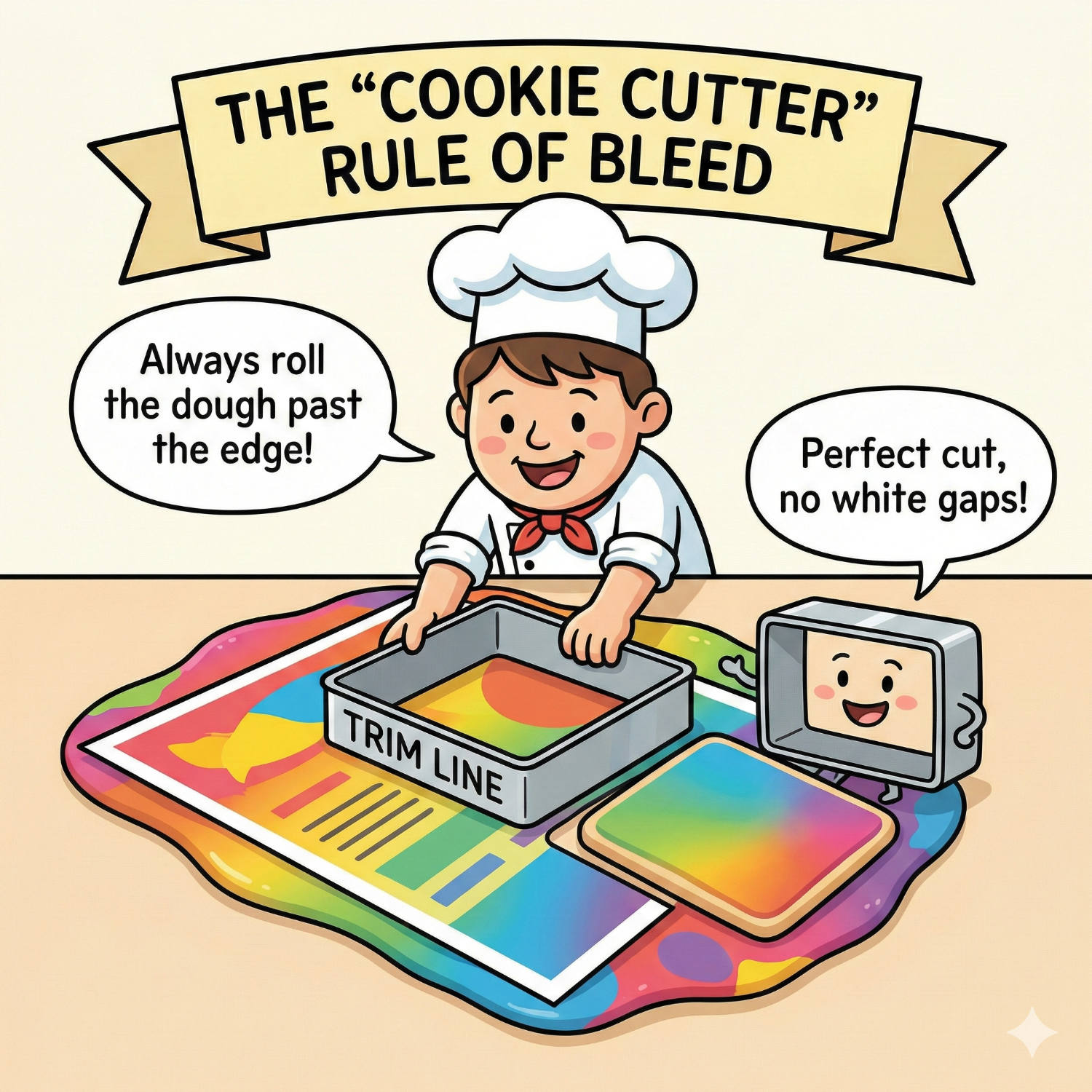
Living on the Edge: Why "Bleed" is Vital for Perfect Print
You have designed a stunning flyer. The background is a beautiful, edge-to-edge photograph. You print it on your office printer, and out it comes with a thin, ugly white border around the edge. You think: "Professional printers can fix this. They can print right to the edge."
Read article →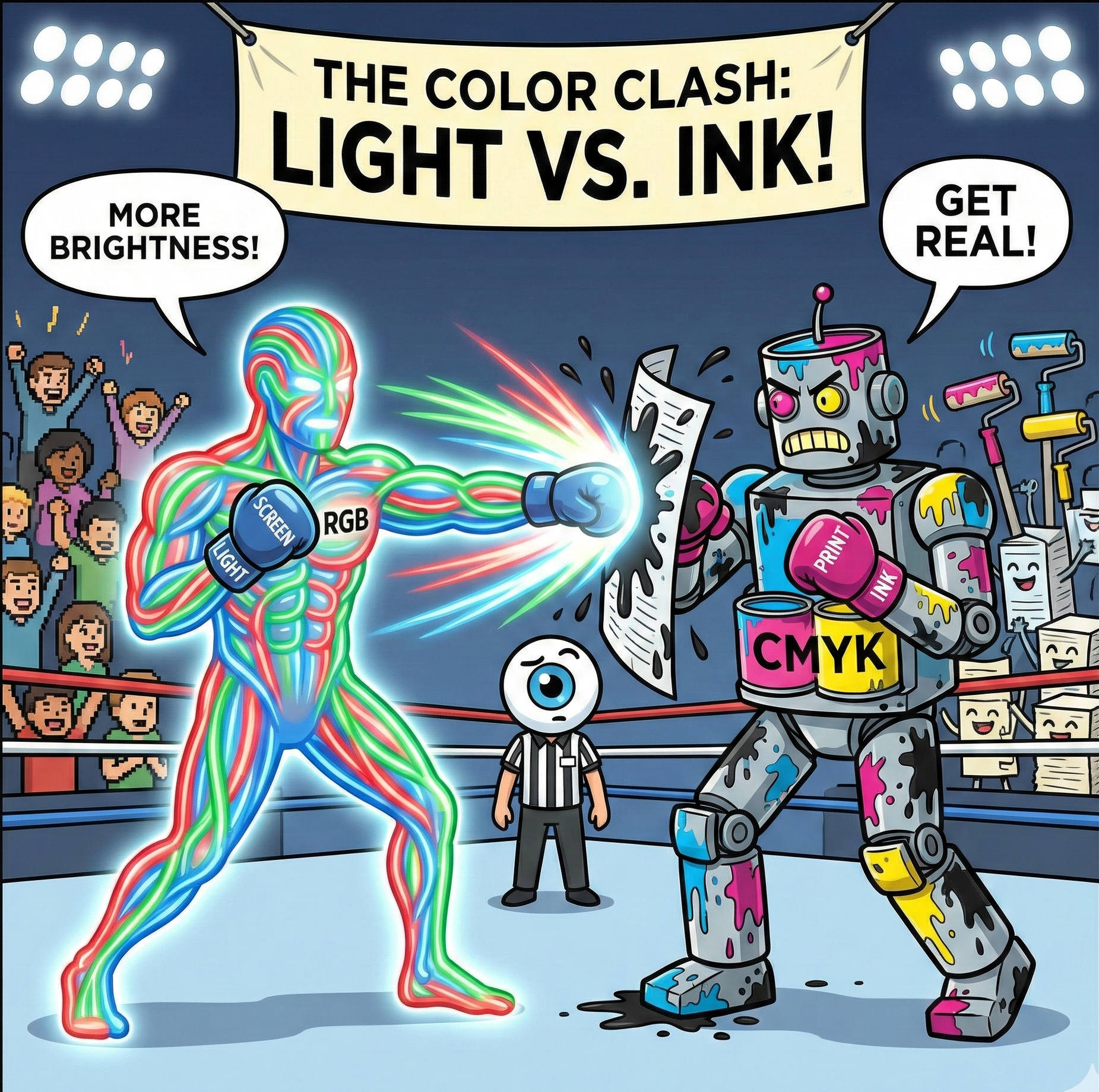
Why Your Screen Lies to You: The Battle Between RGB and CMYK
It is the most common heart-stopping moment in design. You spend hours perfecting a brochure on your laptop. The blues are electric, the oranges are vibrant, and the photos look crisp. You send the file to print, and when you get the proof back... it looks different.
Read article →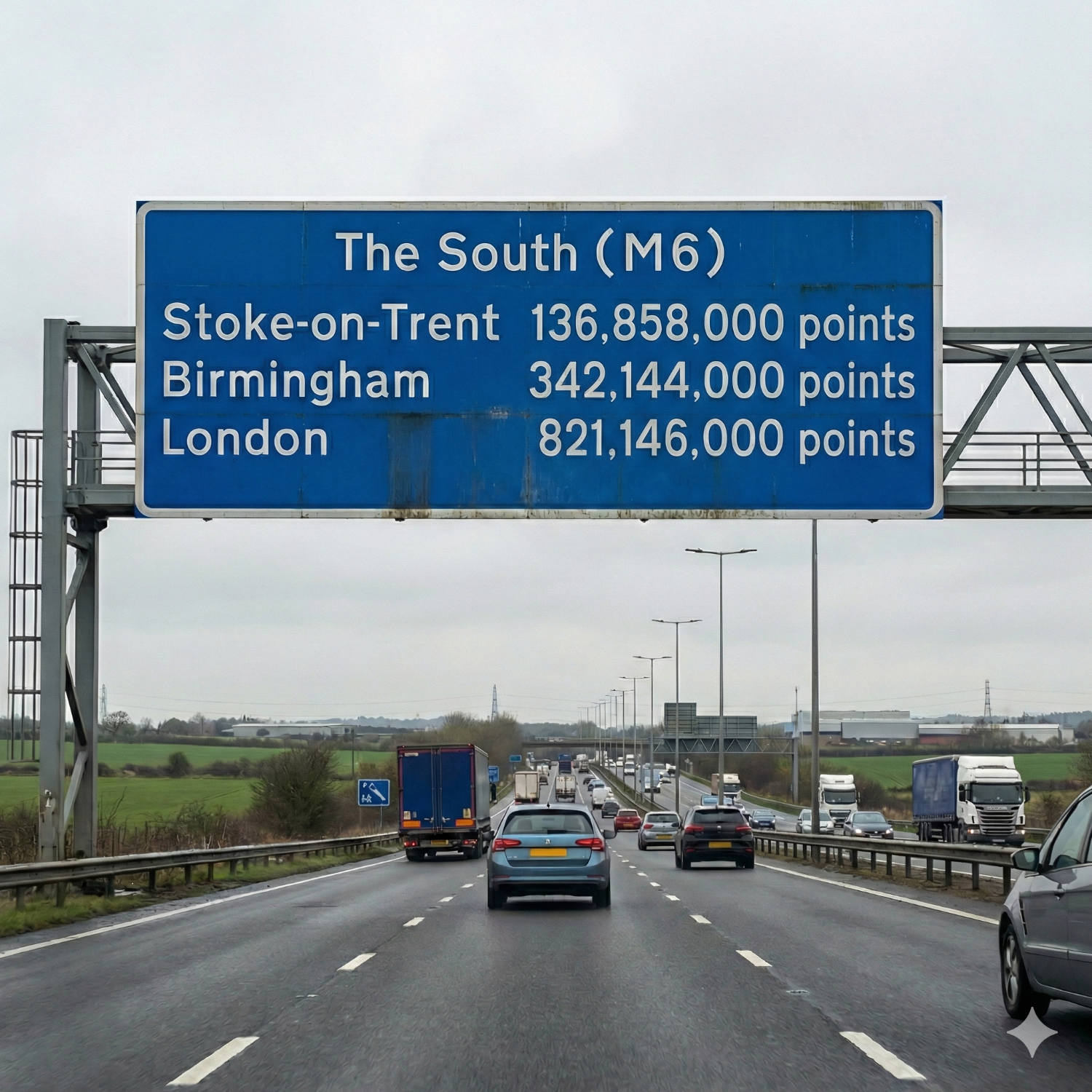
The Invisible Ruler: Decoding the "Point" in Typography
Every day, millions of people open a word processor, click a dropdown menu, and select a number: 10, 11, maybe 12. We know that 12 makes the letters bigger than 10, but rarely do we stop to ask: 12 what?
Read article →